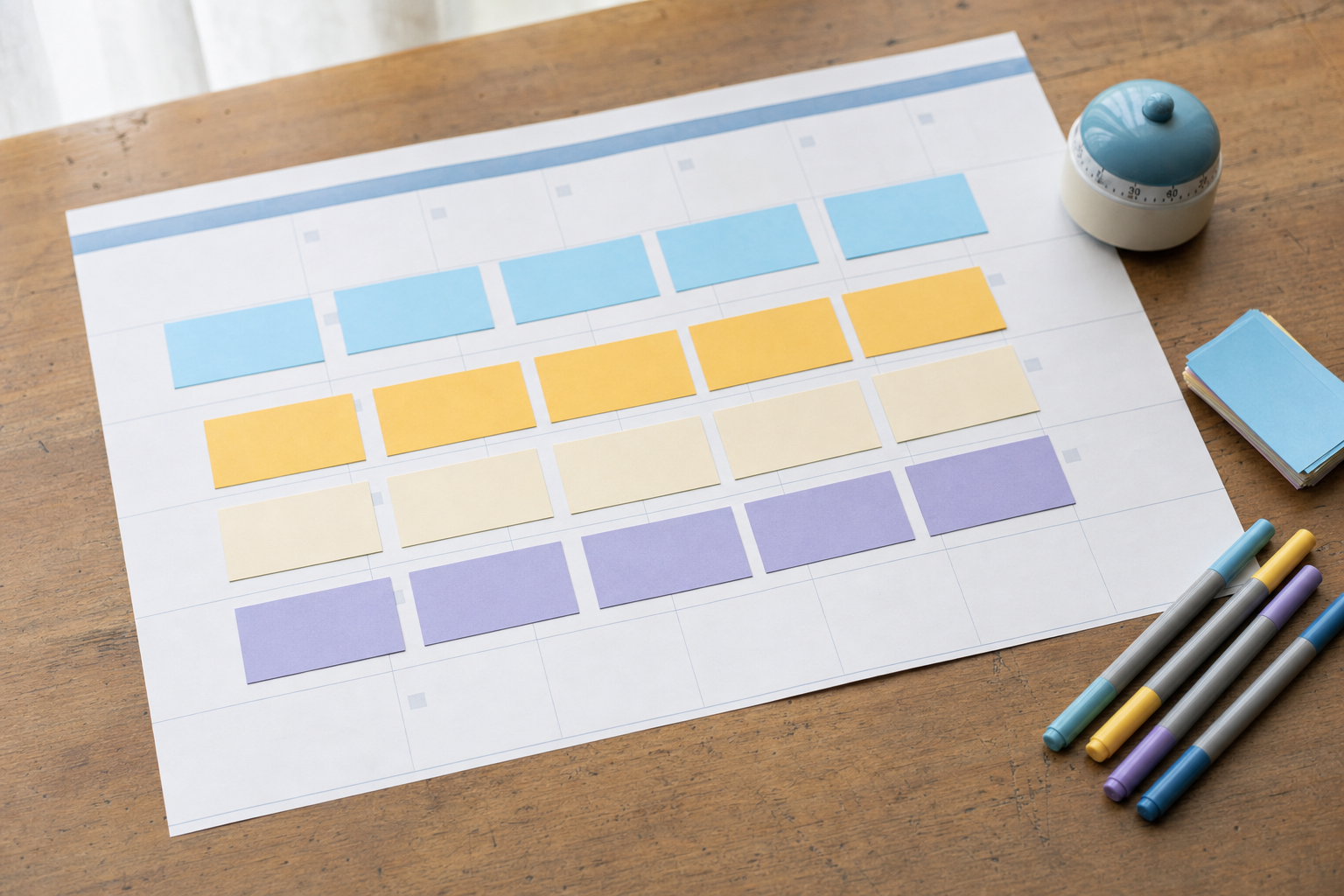
Here's the outcome you're going for: an Instagram carousel that earns more total engagement than a Reel, gets re-shown to people who didn't finish it the first time, and does it consistently — not by luck. By the end of this guide you'll know why carousels quietly out-engage Reels for a lot of solo founders and small brands, what the "swipe-depth" signal actually rewards, and exactly how to structure a 6-to-10 slide post that keeps people swiping.
This is a hands-on walkthrough. Follow the steps in order and you'll ship a carousel you can post today.
Key takeaways
- Carousels can out-engage Reels because they generate multiple engagement moments per person — each swipe is a signal.
- Instagram tends to re-show a carousel to people who didn't reach the last slide, giving your post a second life in the feed.
- The 6-to-10 slide range is the practical sweet spot: long enough to build swipe depth, short enough to keep completion high.
- Your first slide's only job is to earn slide two — treat it like a hook, not a title.
- A clear payoff on the final slide (plus a save/share prompt) is what converts swipe depth into reach.
- You can plan, design, and schedule carousels in one place instead of juggling tools.
Why carousels out-engage Reels (the swipe-depth signal)
A Reel gets one main behavior: watch time. A carousel gets many. Every time someone swipes to the next slide, that's an interaction — and Instagram reads a chain of swipes as sustained interest. Reach more slides and you build "swipe depth," the carousel equivalent of watch time.
There's a second mechanic that matters even more for small accounts. If someone scrolls past your carousel without swiping to the end, Instagram can show it to that same person again on a later slide the next time they open the app. In practice this means a good carousel keeps resurfacing instead of dying in the first hour. That re-show behavior is why a modest carousel can quietly outrun a Reel on total engagement over a few days.
None of this replaces video — Reels are still your reach engine for brand-new audiences. Think of it this way: Reels find people, carousels deepen the relationship with people who already found you. Both belong in an Instagram carousel strategy 2026 plan. If you also want to keep shipping video, our take on AI video for social media covers the other half.
Step-by-step: build a carousel that maximizes swipe depth
Step 1 — Pick one idea that only pays off if you keep swiping
The whole model breaks if slide one gives away the answer. Choose a topic with a built-in reason to advance: a countdown, a step-by-step, a before/after, a myth-by-myth teardown, or a list where the best item is last.
- Write your idea as a promise: "5 pricing mistakes killing your launch — #4 is the one nobody talks about."
- Confirm the payoff lives on the LAST slide, not the first.
- If someone can screenshot slide one and leave satisfied, reframe it.
Step 2 — Choose your slide count inside the 6-to-10 sweet spot
Fewer than six slides rarely builds enough swipe depth to trigger re-shows. More than ten and completion drops — people bail before the payoff, which hurts you more than it helps. Six to ten is the range that balances depth against completion.
- Use 6–7 slides for a punchy tip or single insight.
- Use 8–10 slides for step-by-steps, listicles, or teardowns with a strong finale.
- When in doubt, cut. A tight 7-slide carousel beats a padded 10-slide one every time.
Step 3 — Make slide one earn slide two
Your cover slide isn't a title card — it's a hook. Its only job is to make swiping feel non-optional. Lead with a specific promise, a curiosity gap, or a bold claim you'll back up. Add a small visual cue (an arrow, "1/8", or "swipe →") so people know there's more.
Before you commit, pressure-test the opening line the way you'd test a Reel hook — run it through the free Scroll-Stopper Score and rewrite anything that scores soft.
Step 4 — Front-load value and pace the swipes
Don't save all the good stuff for the end — that's how you lose people by slide three. Deliver a real, useful nugget early so the reader trusts that swiping is worth it, then keep a strong reason to continue on every slide.
- One idea per slide — never cram two thoughts onto one panel.
- End each slide with a mini cliffhanger or a natural "and next…" beat.
- Keep text large and skimmable; assume people read on the move.
Step 5 — Land the payoff and prompt a save or share
The last slide is where swipe depth converts into reach. Deliver the promised answer, then ask for the action that Instagram weights heavily: a save or a share. "Save this so you don't lose it" outperforms a vague "follow for more."
- Restate the payoff in one clean sentence.
- Give one clear CTA: save, share, or comment a specific word.
- Add a soft next-step ("Part 2 tomorrow") if you're running a series.
Step 6 — Write a caption that supports the swipe, not competes with it
Your caption should reinforce the hook and add context the slides couldn't fit — not repeat them. Open with a line that echoes slide one, add a short story or reason-to-care, then close with the same save/share ask.
Step 7 — Post at a consistent time and read the swipe data
After posting, check the carousel's per-slide reach in Insights. If reach falls off a cliff at, say, slide three, that slide is your leak — fix the transition next time. Consistency compounds here: repeatable structure plus repeatable timing is what trains the algorithm to trust your carousels.
If designing and scheduling each one by hand is the part that stalls you, VibeDay can generate the slides, keep your posting cadence steady, and report back on what landed. See how the AI carousel generator fits into a weekly rhythm — publishing stays approval-gated, so you always review before anything goes out.
FAQ
Should I stop making Reels and only post carousels?
No. Reels are still your best tool for reaching brand-new audiences, while carousels deepen engagement with people who already know you. The strongest small-brand feeds mix both — use Reels to get discovered and carousels to build swipe depth, saves, and trust.
Is 10 slides always better than 6 because more swipes means more signal?
Not necessarily. More slides only helps if people actually reach them. Past ten slides, completion usually drops, and a carousel that people abandon halfway sends a weaker signal than a tight six-slide post they finish. Match slide count to how much substance you truly have.
Does the swipe-depth re-show behavior work for tiny accounts?
Yes — it's arguably more useful for small accounts, because the re-show can hand your post a second and third exposure it wouldn't otherwise get organically. The key is a hook strong enough to earn the first swipe and a payoff worth reaching.
How often should I post carousels?
Consistency beats volume. One to three well-structured carousels a week, posted on a steady schedule, trains the algorithm and your audience better than an occasional burst. Pick a cadence you can sustain and hold it.
What's the single most important slide?
Slide one. If it doesn't earn the first swipe, nothing else matters — the swipe-depth signal never starts. Spend the most time on your cover hook and test it before you post.
Plan, design, and schedule your next batch of carousels in one place — then let VibeDay report back on what earned the most swipes.
Start free with VibeDay →Put your content engine on autopilot
VibeDay turns one idea into scroll-stopping posts — image, video, and carousel — captioned for every platform.
Start your free 7-day trial →