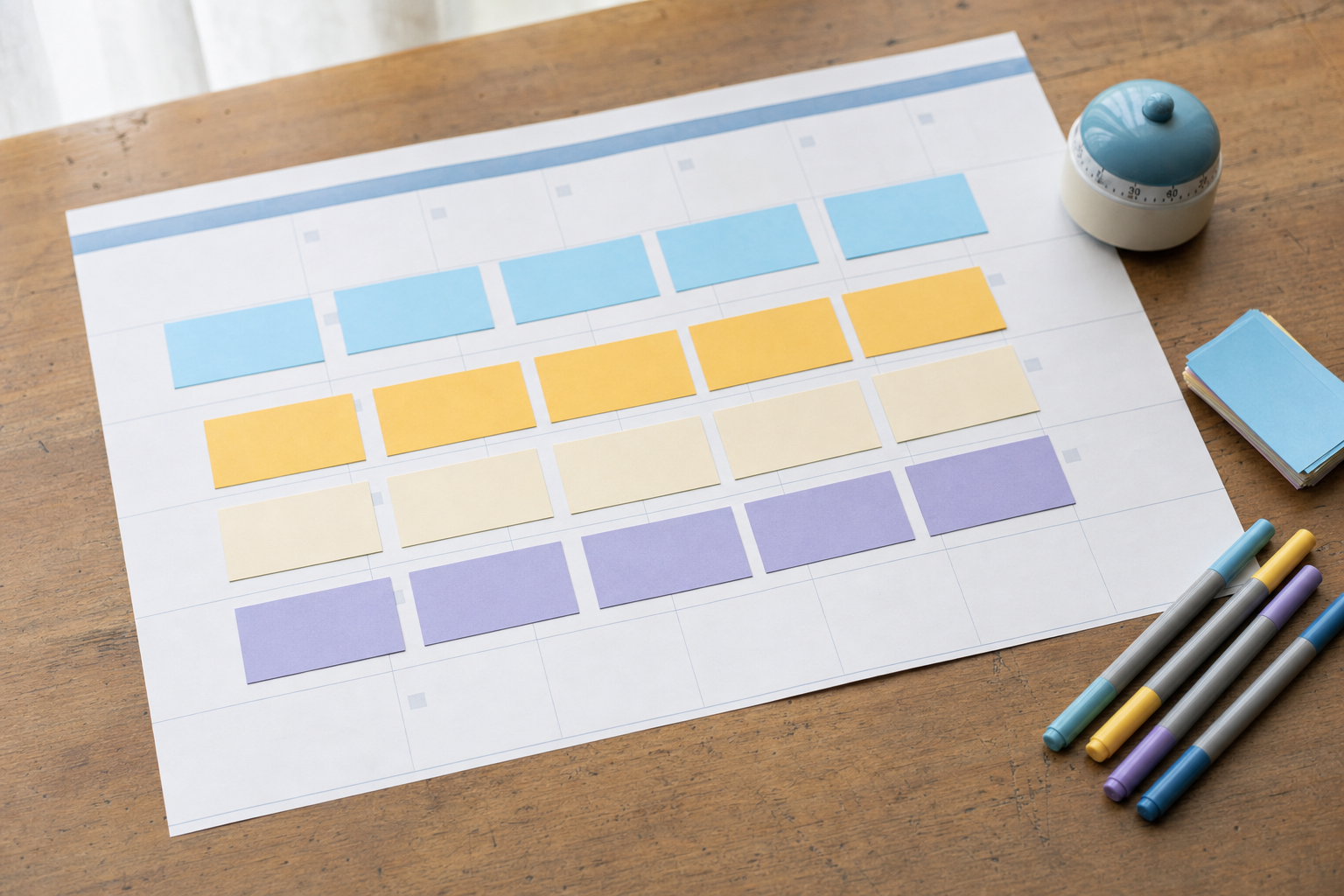

Here's the outcome: by the end of one focused afternoon, you'll have a full 30-day social media content calendar planned, written, and queued — so you stop opening your phone every morning wondering what to post. No more daily scrambling, no more guilt about the gaps. Just a quiet, working pipeline that runs while you go back to building your actual business.
This guide is built specifically for solo founders. You don't have a marketing team, a content manager, or hours to spare. So we're going to batch everything — ideas, writing, design, and scheduling — into one session using a repeatable framework. Block off three to four hours, grab coffee, and let's build your 30-day content calendar.
Key takeaways
- Batching beats daily posting: one planning session replaces 30 daily decisions.
- Start with 3–5 content pillars so you never stare at a blank page.
- A simple weekly rhythm (e.g. 4 posts/week) is more sustainable than posting daily and burning out.
- Write in batches by format, not by day — it's faster and keeps your voice consistent.
- Schedule everything in advance, then spend daily time only on replies and engagement.
Why batching works for solo founders
Context-switching is the silent killer of solo productivity. When you write one post in the morning, design it at lunch, and remember to publish it at night, you pay a mental tax every single time. Batching collapses all of that into one mode of work. You think once, create in bulk, and schedule once. The result is more consistency with dramatically less daily friction — which is exactly what a 30-day content calendar gives a solo founder.
Step 1: Decide your posting rhythm (10 minutes)
Before you write anything, decide how often you can realistically post. Consistency matters far more than volume, so be honest about what you can sustain month after month.
- Pick your platforms — choose 1–2 where your audience actually is rather than spreading thin across five.
- Set a weekly cadence — 3–4 posts per week is a strong, sustainable target for a 30-day calendar (roughly 12–16 posts).
- Note your best days — if you don't have data yet, start with weekdays and adjust later based on your reports.
Don't aim for daily posting unless you know you can keep it up. A calendar you actually finish beats an ambitious one you abandon by week two.
Step 2: Define your content pillars (20 minutes)
Content pillars are 3–5 recurring themes you rotate through. They're the cure for the blank-page problem because every post you ever make slots into one of them.
A starter pillar mix for founders
- Educational — teach one thing your audience struggles with (tips, how-tos, myths).
- Behind-the-scenes — show how you build, decisions you make, real numbers.
- Social proof — testimonials, results, customer stories, before/after.
- Product — features, use cases, and how your tool solves a specific problem.
- Personality — your story, opinions, lessons learned (this is where solo founders win).
Pick the four or five that fit you, then assign one pillar to each posting slot in your weekly rhythm. For example: Monday educational, Wednesday behind-the-scenes, Friday social proof. Now your month has a skeleton.
Step 3: Brainstorm 30 days of ideas (45 minutes)
This is the part people dread, but pillars make it fast. Take each pillar and quickly list raw ideas — you only need 3–4 ideas per pillar to fill a month.
- Open a single doc or spreadsheet and create a column for each pillar.
- Set a 30-minute timer and dump ideas without judging them — quantity first.
- Mine your real life: support questions you answered, a feature you shipped, a mistake you fixed, a customer who praised you.
- Stop when you have enough ideas to cover your monthly post count, plus 2–3 spares.
Step 4: Batch-write your captions (60 minutes)
Now turn ideas into posts — but write by format, not by day. Writing ten captions in a row is far faster than switching between writing, designing, and scheduling for each one.
- Group your ideas by format: short text posts, carousels, and videos.
- Write all captions in one sitting using a simple structure: a hook line, the value, and a clear call to action.
- Keep your hooks specific — a concrete promise ("3 mistakes") outperforms a vague one ("some thoughts").
- Draft, don't polish. Get all the captions down first, then do one quick editing pass at the end.
If staring at blank captions slows you down, this is where AI assistance earns its keep. Inside VibeDay you can generate first-draft captions and post ideas tied to your pillars, then edit them in your own voice — so the batching session moves faster without sounding robotic. See how the content creation features fit into a batching workflow.
Step 5: Create your visuals in bulk (45 minutes)
Visuals stall most calendars, so batch these too. Pick a small set of templates and reuse them so your feed looks cohesive and you don't reinvent the wheel for every post.
- Choose 2–3 reusable templates: one for quotes/tips, one for carousels, one for video covers.
- Drop your captions and key points into the templates assembly-line style.
- For short video, script in one line and reuse a repeatable format (talking head, screen recording, or text-on-screen).
- Keep fonts and colors consistent across everything to reinforce your brand.
VibeDay can help generate images, carousels, and video content for each idea, which keeps the design step from becoming an all-day detour. If video feels intimidating as a solo founder, our guide to AI video for social media breaks down a simpler approach.
Step 6: Schedule the whole month (30 minutes)
This is the payoff step. Load every post into your calendar, assign dates and times based on the rhythm you set in Step 1, and queue them up.
- Map each post to a specific day and time slot in your scheduling tool.
- Spread your pillars so the feed feels varied across the month, not clumped.
- Review the full month at a glance to catch gaps, duplicates, or awkward timing.
- Queue everything so your posts are ready to go out on schedule.
VibeDay lets you schedule across Instagram, TikTok, Facebook, and YouTube from one place, so your afternoon of batching turns into a queued month. If you're comparing tools, here's an honest look at the Buffer alternative angle for solo founders.
Step 7: Set your daily 10-minute engagement habit
With your 30-day content calendar scheduled, your daily job shrinks to one small task: engagement. Spend ten minutes replying to comments, answering DMs, and interacting with a few accounts in your niche. That's it. The heavy lifting is already done.
At the end of the month, check your reports to see which pillars and formats performed best, then carry those learnings into your next batching session. Each month gets faster and sharper.
Frequently asked questions
How long does it really take to build a 30-day content calendar?
For a first-timer, plan on three to four hours. Once you've got your pillars and templates set up, future months drop to one to two hours because you're reusing structure and repurposing ideas. The first session is the slowest — it gets much faster.
How many posts should a solo founder schedule per month?
Aim for 12–16 posts (about 3–4 per week) on one or two platforms. That's consistent enough to build momentum without overwhelming you. Quality and consistency beat raw volume every time, especially when you're a team of one.
What if I run out of ideas before I fill the month?
Lean on repurposing. Turn one strong idea into multiple formats — a tip becomes a carousel, a video, and a text post. You can also revisit common customer questions, share lessons from building, or react to industry news. Your pillars are designed to keep ideas flowing.
Can VibeDay publish my scheduled posts automatically?
VibeDay helps you create, schedule, and queue posts across Instagram, TikTok, Facebook, and YouTube, and reports on performance. Actual publishing to each platform is approval-gated by the networks, so connect your accounts and confirm permissions first to keep your queue running smoothly.
Should I post the same content on every platform?
Adapt rather than copy-paste. The core idea can stay the same, but tweak the format and caption length for each platform — a TikTok script differs from an Instagram carousel. Batching by format makes these small adaptations quick to do in one session.
Ready to turn one afternoon into a full month of posts? Build, schedule, and report on your 30-day content calendar in one place with VibeDay.
Start free with VibeDay →Put your content engine on autopilot
VibeDay turns one idea into scroll-stopping posts — image, video, and carousel — captioned for every platform.
Start your free 7-day trial →