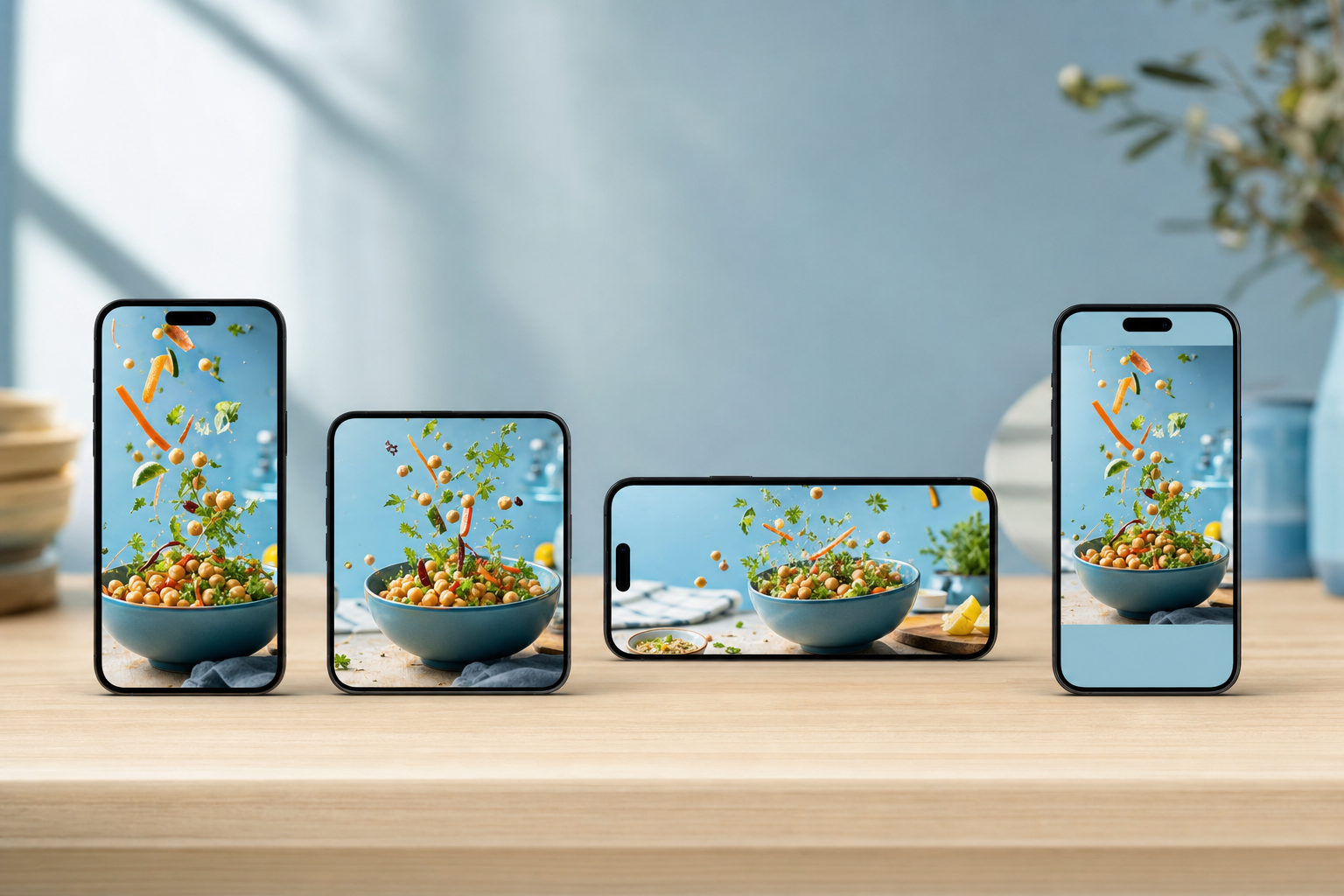
You made something good — a solid video, a strong tip, a story worth telling. Now you want it on Instagram, TikTok, Facebook, and YouTube. The lazy move is to copy-paste the exact same post to all four and hope for the best. It rarely works, because each feed rewards different behavior. The smart move is to keep ONE core idea and reshape how it lands on each platform. That's what this guide walks you through: a repeatable way to adapt one piece of content into four native-feeling posts, without doing four times the work.
By the end, you'll have a simple system for taking a single idea and publishing it so it feels made-for-the-platform on each feed — not a watered-down version stretched to fit everywhere at once.
Key takeaways
- "Cross-platform" doesn't mean "identical everywhere" — it means one idea, adapted per feed.
- Lowest-common-denominator posts (safe for all, great for none) are the real enemy, not repurposing itself.
- Lock your core message first, then change the format, aspect ratio, hook, and caption per platform.
- Aspect ratio and hook length are the highest-leverage things to change — they cost little and matter most.
- A checklist beats inspiration: same idea, four native wrappers, published on a schedule you can keep.
Step 1: Lock the one idea before you touch any platform
Before you think about which feed gets what, write down the single takeaway a viewer should walk away with. If you can't say it in one sentence, you're not ready to publish it anywhere.
- Write the core message in one line (e.g. "Batch-cook two proteins on Sunday to save weeknight time").
- Note the one action you want from viewers (save, follow, comment, click).
- Decide the raw asset you're starting from — a video clip, a set of photos, or a text idea. That original format influences what's easy to adapt.
Everything downstream is a wrapper around this one idea. Keeping it fixed is what stops your four posts from drifting into four half-baked messages.
Step 2: Match the format to how each platform actually gets watched
Same idea, different container. You don't need to reshoot — you need to decide which native format carries the idea best on each feed.
The quick format map
- TikTok: vertical 9:16 short video, fast and casual, sound-on, personality forward.
- Instagram: Reels for reach (9:16), or a carousel if the idea is better as steps/before-after. Instagram loves a save-worthy carousel.
- YouTube: Shorts for the vertical cut, or a longer horizontal version if the idea has room to breathe.
- Facebook: works with the same vertical video, but leans slightly older and more context-friendly — a clearer caption helps.
If your idea is genuinely step-by-step or comparison-based, don't force it into video everywhere. A carousel can out-perform a Reel for teachable content. If you want to spin the same idea into a swipeable format, an AI carousel generator makes that far less tedious.
Step 3: Fix the aspect ratio and framing per feed
This is the highest-leverage, lowest-effort change you can make. A 16:9 video dropped onto TikTok with black bars screams "reposted from somewhere else" — and the algorithm and the viewer both notice.
- Cut a clean 9:16 vertical version for TikTok, Reels, Shorts, and Facebook video.
- Keep a 1:1 or 4:5 version handy for Instagram feed carousels.
- Keep captions and key subjects centered so nothing important gets cropped when a platform reframes.
- If you started with a horizontal YouTube video, pull the strongest 20–40 seconds for the vertical cuts.
Tools like VibeDay's AI video generator for social media can produce platform-native ratios from one idea, so you're not manually re-exporting the same clip four times.
Step 4: Rewrite the hook for each platform's first three seconds
The core idea stays the same, but the opening should speak the local dialect. TikTok rewards a fast, punchy, curiosity-driven open. YouTube Shorts rewards a clear promise of payoff. Instagram often rewards a hook that also works as on-screen text.
- Write 3–4 hook variants for the same idea — not four different ideas, four different doors into the same room.
- Make the TikTok hook conversational and slightly bolder.
- Make the YouTube hook state the outcome plainly ("Here's how to cut your weeknight cooking in half").
- Test each hook before you commit — run your opening line through the Scroll-Stopper Score to see if it earns the next second.
Step 5: Adapt the caption and hashtags, not just the video
Captions are where lazy cross-posting shows most. A caption stuffed with 30 hashtags reads fine on Instagram and terrible on YouTube.
- Instagram: a hook line, a bit of value, and a handful of relevant hashtags.
- TikTok: shorter caption, a few trend-aware hashtags, casual tone.
- YouTube Shorts: a descriptive title-style caption that helps search.
- Facebook: give more context up front — link and clear ask work better here.
Keep the voice consistent even as the length changes. If your AI-written captions feel generic and interchangeable, that's a sign the tool doesn't know you yet — teach AI to write in your voice so every caption sounds like you regardless of platform.
Step 6: Schedule per platform instead of firing all at once
Native timing matters. Your audience isn't all in the same place at the same hour, and posting identical timestamps everywhere can flatten your reach.
- Stagger posts to each platform's stronger windows for your audience.
- Queue everything in one place so you're not hopping between four apps.
- Review each version before it goes out — captions and crops in particular.
In VibeDay you can build and queue each platform's version from one workspace, then approve before anything publishes. See how the scheduling and publishing features fit into this flow, or compare it as a Buffer alternative if you're already using something else.
A quick before-and-after
| Element | Lazy cross-post | Adapted per platform |
|---|---|---|
| Aspect ratio | One ratio, black bars everywhere | Native ratio per feed |
| Hook | Identical opening line | Platform-tuned first 3 seconds |
| Caption | Same text + 30 hashtags dumped everywhere | Right length and tags per feed |
| Timing | All posted the same minute | Staggered to each audience |
Isn't adapting content per platform just four times the work?
Not if you keep the core idea fixed and only change the wrapper. The message, the asset, and the value stay the same — you're adjusting aspect ratio, hook, and caption. Batching those changes and queuing them from one workspace keeps it closer to 1.25x the work than 4x.
Can I just post the exact same video everywhere to save time?
You can, and sometimes it's fine for a quick post. But over time identical cross-posts tend to underperform because each feed rewards native formatting. At minimum, fix the aspect ratio and the caption per platform — those two changes give you most of the benefit for very little effort.
Does VibeDay publish to all my platforms automatically?
VibeDay helps you create platform-native versions and queue them for Instagram, TikTok, Facebook, and YouTube, then reports on performance. Publishing is approval-gated, so you review and approve each post before it goes live — you stay in control of what actually ships.
Should every idea become a video on every platform?
No. If your idea is step-by-step or a comparison, a carousel often works better than a video, especially on Instagram. Match the format to the idea, not the other way around.
Ready to turn one idea into four native posts without the copy-paste tax? Build, adapt, and queue for every feed from a single workspace.
Start with VibeDay →Put your content engine on autopilot
VibeDay turns one idea into scroll-stopping posts — image, video, and carousel — captioned for every platform.
Start your free 7-day trial →