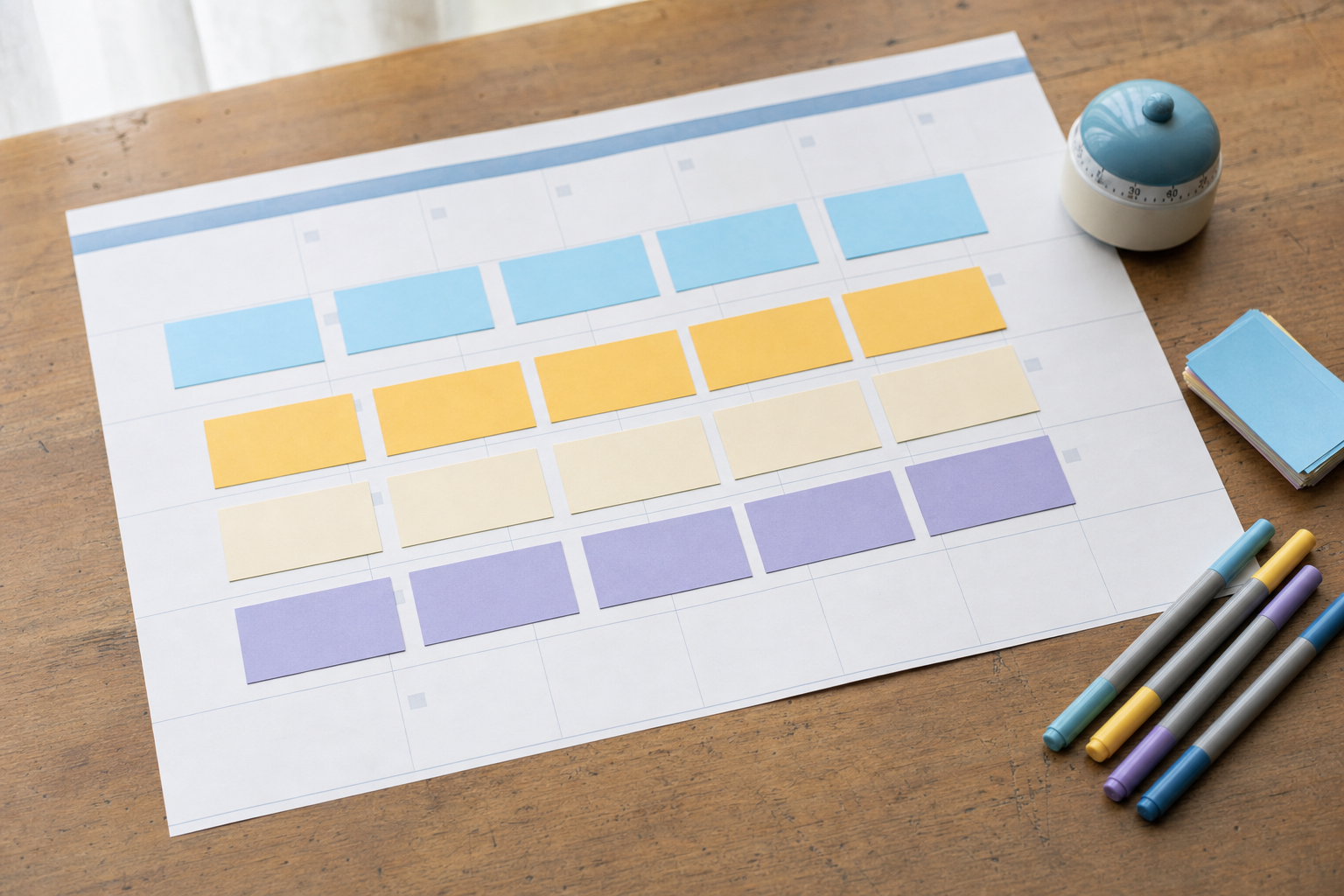
You post when you remember to. A thought hits, you open the app, fumble for a photo, rewrite the caption three times, second-guess it, hit publish, and then you're pulled back into whatever you were actually doing. It feels quick. It isn't. When you add up five of those little detours across a week, you can lose most of a working day — and it barely feels like you did any real work.
This post breaks down where that time actually goes, why batching cuts it roughly in half, and how to set up a workflow that gets you there without turning into a full-time content operation. No fluff, just the honest math and a plan.
Why does posting spontaneously eat so much more time than it seems?
The trap with ad-hoc posting is that each post looks small in isolation. Five minutes here, ten there. But the real cost isn't the posting — it's everything around it. Every time you stop what you're doing to make a post, you pay a switching tax: your brain has to unload the task you were on, load the completely different mode of "be creative and public," then reload your original work afterward.
Research on interrupted work has long shown that getting back into a focused task after a switch takes real time — often many minutes before you're fully back up to speed. So a "five-minute post" is rarely five minutes. It's a few minutes of posting wrapped in a fog of restarting whatever you abandoned. Do that five separate times and the tax compounds.
How does 5 spontaneous posts actually add up to ~7 hours?
Here's the honest breakdown. It's not that any single step is huge — it's that spontaneous posting makes you do every step from a cold start, five separate times, with a context-switch on both sides of each one.
- Deciding what to post from scratch (no plan, no queue): ~10–15 min each
- Finding or making the asset — photo, clip, graphic: ~15–20 min each
- Writing and rewriting the caption in-app: ~10 min each
- Actually posting and fiddling with settings: ~5 min each
- Context-switch cost back into real work: ~15–20 min of lost focus each
Add that up and a single spontaneous post can quietly cost 60–80 minutes of your day when you count the recovery time. Five of them, spread across a week, land in the 6–7 hour range. The kicker: most of that time is invisible. You never see "posting" on your calendar, so you assume it's free.
Why do 5 batched posts only take about 2.5 hours?
Batching works because you do each type of task once, in a row, while your brain is already in that mode. You brainstorm five ideas in one sitting instead of five separate cold starts. You write five captions back-to-back while you're already in writing mode. You make or gather your assets together. Then you queue everything and walk away.
That single mode-shift — instead of ten of them — is where the savings live. Ideation gets faster because ideas feed off each other. Writing gets faster because your voice is warmed up. And you pay the context-switch tax once for the whole session, not once per post. That's how the same five posts drop from ~7 hours to roughly 2.5.
| Task | Ad-hoc (per week) | Batched (per week) |
|---|---|---|
| Deciding what to post | ~60 min | ~20 min |
| Making/finding assets | ~90 min | ~45 min |
| Writing captions | ~50 min | ~30 min |
| Posting/settings | ~25 min | ~15 min |
| Lost focus from switching | ~90 min | ~20 min |
| Rough total | ~6.5–7 hrs | ~2.5 hrs |
What is the context-switching tax, in plain terms?
It's the mental cost of stopping one task to start a different one. Two things happen. First, there's a lag while your brain lets go of the old task and picks up the new one. Second, there's residue — part of your attention stays stuck on the thing you just left, so you're not fully present on either. Public posting is an especially expensive switch because it's emotionally loaded: you're deciding how to sound in front of an audience, which pulls a different part of your brain than most work.
Batching doesn't magically remove the tax. It just makes you pay it once per session instead of once per post. That's the entire trick, and it's why it works.
Won't batching make my content feel stale or scheduled?
This is the most common objection, and it's fair — but batched doesn't mean robotic. Batching is about when you produce, not about sounding canned. You can batch a week of posts and still react to something timely in real time when it genuinely matters. Most weeks, most of your content isn't reacting to breaking news anyway; it's your regular rhythm of value, story, and offers. That part batches beautifully.
The freshness problem usually isn't the schedule — it's when AI or templates flatten your voice into something generic. If your batched captions read like a bot wrote them, that's a voice problem, not a batching problem. Spending a few minutes teaching a tool how you actually talk with Make AI Sound Like You fixes far more than posting spontaneously ever will.
How do I actually start batching without it feeling like a giant chore?
The mistake people make is trying to batch a whole month on day one, burning out, and quitting. Start small: batch one week at a time, and separate the steps so each mode stays clean.
- Pick one 90-minute block per week. Put it on the calendar like a real meeting.
- Ideate first: list your 5 posts as one-line concepts before you make anything.
- Draft all captions in a row while your voice is warm — don't perfect, just draft.
- Batch the visuals together: shoot, clip, or generate your images and video in one pass.
- Load everything into a queue and schedule it across the week.
- Keep a small buffer for anything genuinely timely — but don't let it become your whole strategy.
A scheduling tool matters here because the last step is where ad-hoc posters lose their nerve and revert. If it's already queued, you're not tempted to interrupt your week to post. VibeDay is built for exactly this: create the image, video, or carousel, then line it up across Instagram, TikTok, Facebook, and YouTube from one place. Publishing runs through each platform's approval step, so you review and confirm rather than blast blindly — see how the scheduling and publishing features fit together.
Does batching hurt my hooks or engagement?
If anything, it usually helps — because you write hooks when you're focused instead of rushed. The worst hooks tend to come from spontaneous posts you dashed off between tasks. When you batch, you have the headspace to write a real opening line and sanity-check it before it goes out. Before you queue a batch, run your first lines through the Scroll-Stopper Score to catch the weak ones while you can still fix them.
Key takeaways
- The cost of ad-hoc posting is mostly hidden: it's the context-switch tax, not the posting itself.
- Five spontaneous posts can eat ~7 hours a week once you count lost focus; batched, roughly 2.5.
- Batching works by paying the mental switching cost once per session instead of once per post.
- Batched doesn't mean stale — keep a small buffer for timely reactions and train your tools on your voice.
- Start with one 90-minute weekly block and separate ideation, writing, and visuals into clean passes.
- A queue protects the savings: if it's scheduled, you won't interrupt your week to post.
How many posts should I batch at once?
Start with one week — usually 3 to 7 posts depending on your cadence. It's enough to capture the switching savings without overwhelming a single session. Once the 90-minute block feels comfortable, you can stretch to two weeks. Don't jump to a full month early; that's how people burn out and quit batching.
How long should a batching session actually take?
For five posts, aim for about 2 to 2.5 hours including ideation, captions, and visuals. If it's taking much longer, you're probably perfecting instead of drafting, or switching between steps too much. Keep each pass clean: all ideas, then all captions, then all visuals.
What if something urgent or timely comes up mid-week?
Post it. Batching isn't a rule against ever posting live — it's a default that handles the 80% of content that doesn't need to be reactive. Keep a small mental buffer for genuinely timely moments. The problem is only when every post is spontaneous, which turns the exception into the whole workflow.
Won't scheduled posts look worse than posting at the 'perfect' time?
For most solo brands, consistency beats hyper-optimized timing. A good post at a decent time reliably outperforms a great post you never got around to publishing. Use your platform's suggested times as a starting point and adjust based on your own results over a few weeks.
Does AI make batching faster or does it just make everything generic?
Both are possible. Used well, AI removes the cold-start friction — it drafts caption options and generates visuals so you're editing instead of staring at a blank screen. Used lazily, it flattens your voice. The fix is to give the tool examples of how you actually write so the drafts start in your voice, not a generic one.
Can I batch video the same way I batch photos and captions?
Yes, and it's often the biggest time saver because video usually has the most steps. Script or outline several clips in one pass, generate or record them together, then queue them. Doing all the video work in one mode avoids repeatedly re-learning your editing flow from scratch.
I only post a few times a week. Is batching still worth it?
Especially then. If you post rarely, each spontaneous post is a bigger interruption relative to your week, and you're more likely to skip it entirely when you're busy. Batching a small number of posts takes very little time and makes it far more likely they actually go out.
How do I keep from over-planning and never actually posting?
Cap your ideation. Give yourself a set number of minutes to list concepts, then move to drafting even if the ideas feel rough. Momentum matters more than a perfect plan. A queue helps here too — once posts are scheduled, they ship whether or not you feel inspired that day.
Stop paying the switching tax five times a week. Batch a week of posts in one sitting, queue them across every platform, and get your hours back.
Start batching with VibeDay →Put your content engine on autopilot
VibeDay turns one idea into scroll-stopping posts — image, video, and carousel — captioned for every platform.
Start your free 7-day trial →