Here's the outcome: by the end of one focused afternoon, you'll have roughly a month of social posts ready to go — hooks written, videos and images made, captions drafted, and everything queued to publish. And critically, it won't look like it rolled off an assembly line.
The reason most batching attempts fail isn't laziness. It's context-switching. You sit down to "make content" and end up brainstorming an idea, filming a clip, second-guessing a caption, and checking your posting schedule all in the same ten minutes. That mental ping-pong is exhausting, and it's why people burn out after two posts. The fix is to split the work into separate sprints, where each sprint does exactly one type of thinking. Let's walk through it.
Key takeaways
- Batching fails because of context-switching, not lack of time — separate the work into single-focus sprints.
- Run four timeboxed sprints: Ideate (30 min), Film/Create (90 min), Caption (45 min), Schedule (30 min).
- Batch by format, not by day — film all your talking clips together, all your B-roll together, and so on.
- Templates keep you fast; small per-post tweaks keep it from looking mass-produced.
- Schedule with variety in mind so a month of posts feels like a human made them, not a factory.
Before you start: set the timer and prep the room
Batching only works if it's actually timeboxed. Open a timer app and commit to the blocks below. When a sprint's timer ends, you move on — even if it's not perfect. "Good and shipped" beats "perfect and still in drafts."
- Block 3.5 hours on your calendar and silence notifications.
- Decide how many posts you want: 12–16 is a realistic month for a solo founder posting 3–4x/week.
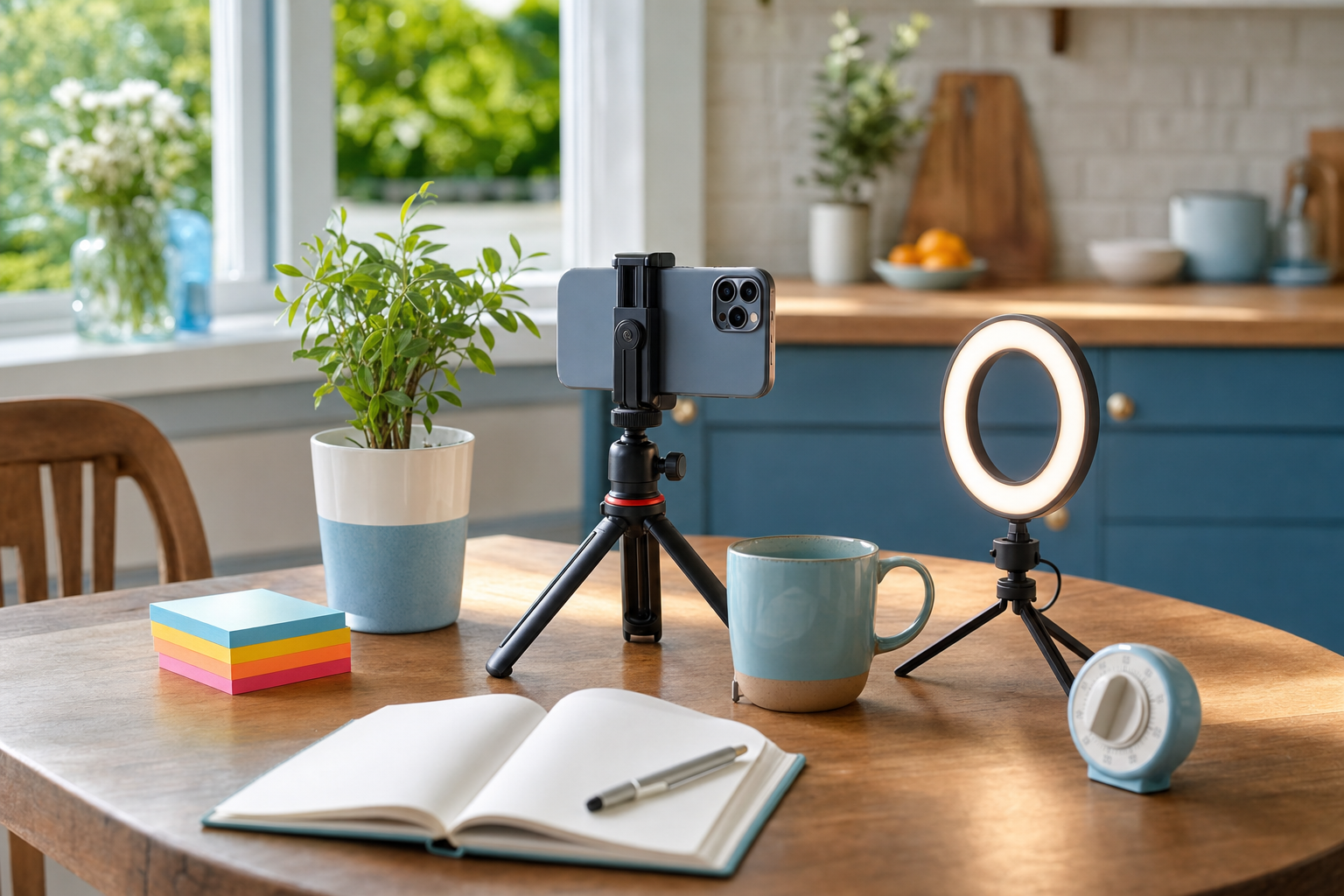
- Have one tidy filming spot ready (good light, quiet, phone charged).
- Open a single doc or board where all four sprints will live.
Sprint 1 — Ideate (30 minutes)
This sprint is pure thinking. No filming, no writing captions, no pretty formatting. You're only deciding what each post is about and what job it does.
Steps
- List your content buckets (e.g. teach, behind-the-scenes, customer wins, opinion/hot take, promo). Aim for 4–5 buckets.
- Rapid-fire one post idea per line until you hit your target number. Don't judge them yet.
- Assign each idea a bucket and a rough format: short video, carousel, or single image.
- Sanity-check the mix — you want mostly value posts and only 1–2 promos per month.
By the end you should have a numbered list like "1. Video — the mistake I made pricing my first product / bucket: opinion." That's enough. Resist the urge to write the caption now — that's a different sprint and a different headspace.
Sprint 2 — Film & create (90 minutes)
This is your longest block because setup is the expensive part. The trick is to batch by format so you never break your setup. Film every talking clip back to back, then switch to B-roll, then create your static and carousel visuals.
Steps
- Group your ideas by format. Film all your to-camera videos in one go while the lighting and your energy are consistent.
- Record hooks separately if it helps — say the first line of each video 2–3 times so you have options in the edit.
- Grab a batch of B-roll (hands, product, workspace details) you can reuse across multiple posts.
- For carousels and image posts, generate your visuals in a batch. Tools like VibeDay's AI carousel generator and AI video for social media let you produce several assets from your ideas list without re-briefing from scratch each time.
Keep raw files named by their idea number ("03-pricing-mistake") so the next sprints stay organized.
Sprint 3 — Caption & hook (45 minutes)
Now you write, and only write. Pull up your idea list and your footage, and knock out captions in one flow. Writing all of them together actually makes them better — you naturally avoid repeating the same phrasing when you can see them side by side.
Steps
- Draft a punchy first line (the hook) for each post before you write the body. The hook does 80% of the work.
- Write the caption body in your normal speaking voice — short sentences, one idea each.
- Add a soft call to action that fits the post (a question, a save prompt, or a link).
- If you use AI to speed up drafting, feed it examples of how you actually talk so it doesn't sound generic. VibeDay's Make AI Sound Like You helps train it on your voice first.
- Pressure-test each opening line with the free Scroll-Stopper Score and rewrite anything that lands flat.
Sprint 4 — Schedule (30 minutes)
Last sprint. Everything's made — now you place it on the calendar so it drips out over the month instead of dumping all at once.
Steps
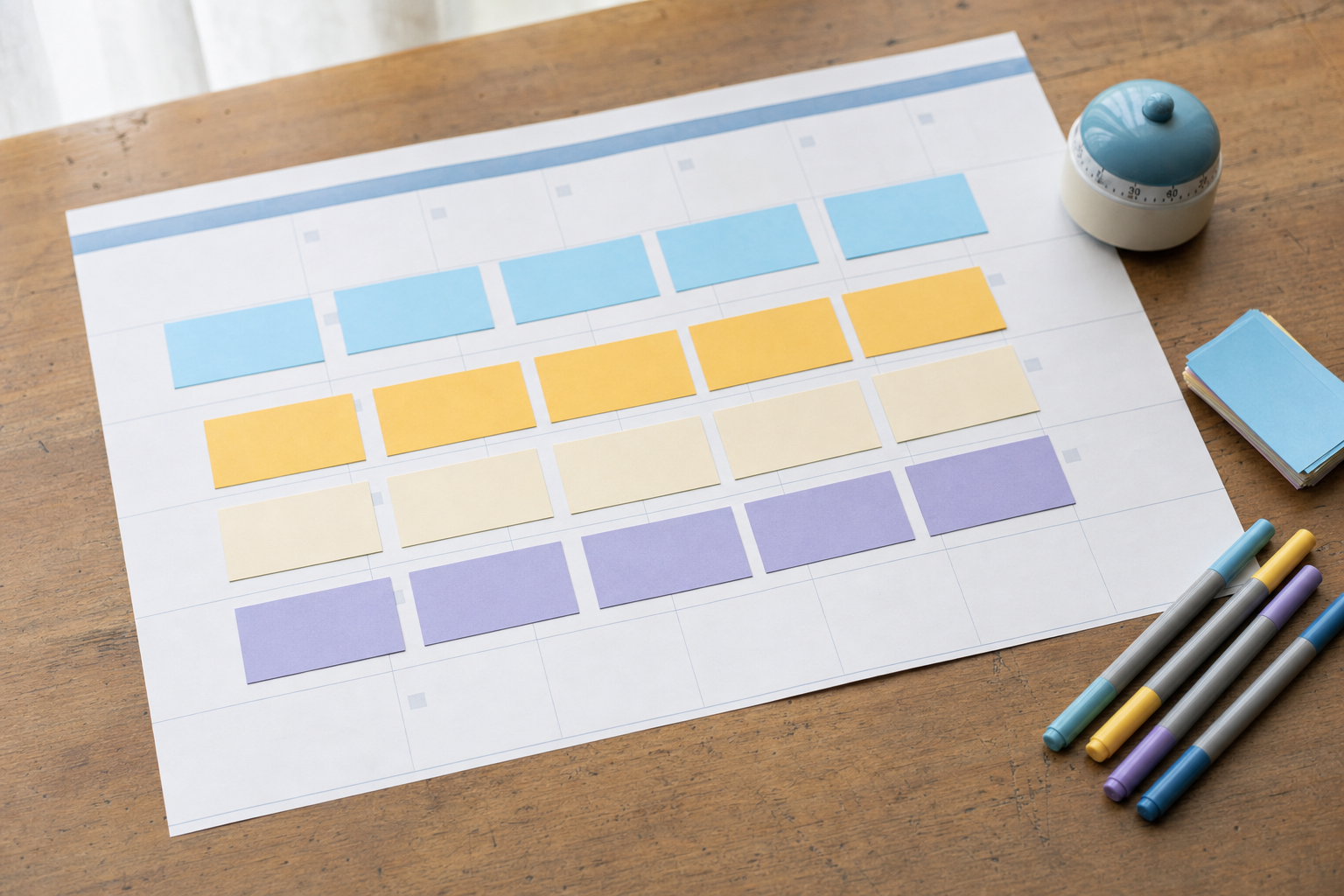
- Lay your posts across the month and alternate buckets so two teaching posts don't land back to back.
- Match each asset to the platforms it fits — a vertical video for Reels and TikTok, a carousel for Instagram and Facebook.
- Queue everything in one place. In VibeDay you can build the whole month's schedule across Instagram, TikTok, Facebook, and YouTube, then review and approve posts before they go out — publishing is approval-gated, so nothing ships without your okay.
- Leave 2–3 open slots for timely, reactive posts so your feed doesn't feel fully pre-planned.
That's the system. Four sprints, one afternoon, a month of content — and because you varied the details in each stage, it reads like a person made it, not a machine. If you want to see how the scheduling and reporting side fits together, the features overview walks through it.
How many posts can I realistically batch in one afternoon?
For a solo founder, 12–16 posts (about a month at 3–4 posts per week) is very doable in a 3.5-hour session once you're running the sprint system. Your first batch may be slower while you find your rhythm — that's normal. The speed comes from not switching between tasks.
Won't batching make all my posts look the same?
Only if you reuse the same hook, template, and caption structure every time. Batch the production process, but deliberately vary the opening line, first frame, and format from post to post. That intentional variety is what keeps a batched month feeling human.
Does VibeDay publish everything automatically once it's scheduled?
No — publishing is approval-gated. You schedule and queue posts across Instagram, TikTok, Facebook, and YouTube, but you review and approve them before they go live. That keeps you in control of exactly what ships and when.
What if I run out of ideas in the first sprint?
Lean on your content buckets. Turn one strong idea into multiple angles: a teaching version, a behind-the-scenes version, and a customer-story version. You'll usually fill your list faster than expected once you stop judging ideas and just list them.
Ready to turn one afternoon into a full month of content? Create, caption, and schedule your batch across every platform in one place.
Start batching with VibeDay →Put your content engine on autopilot
VibeDay turns one idea into scroll-stopping posts — image, video, and carousel — captioned for every platform.
Start your free 7-day trial →