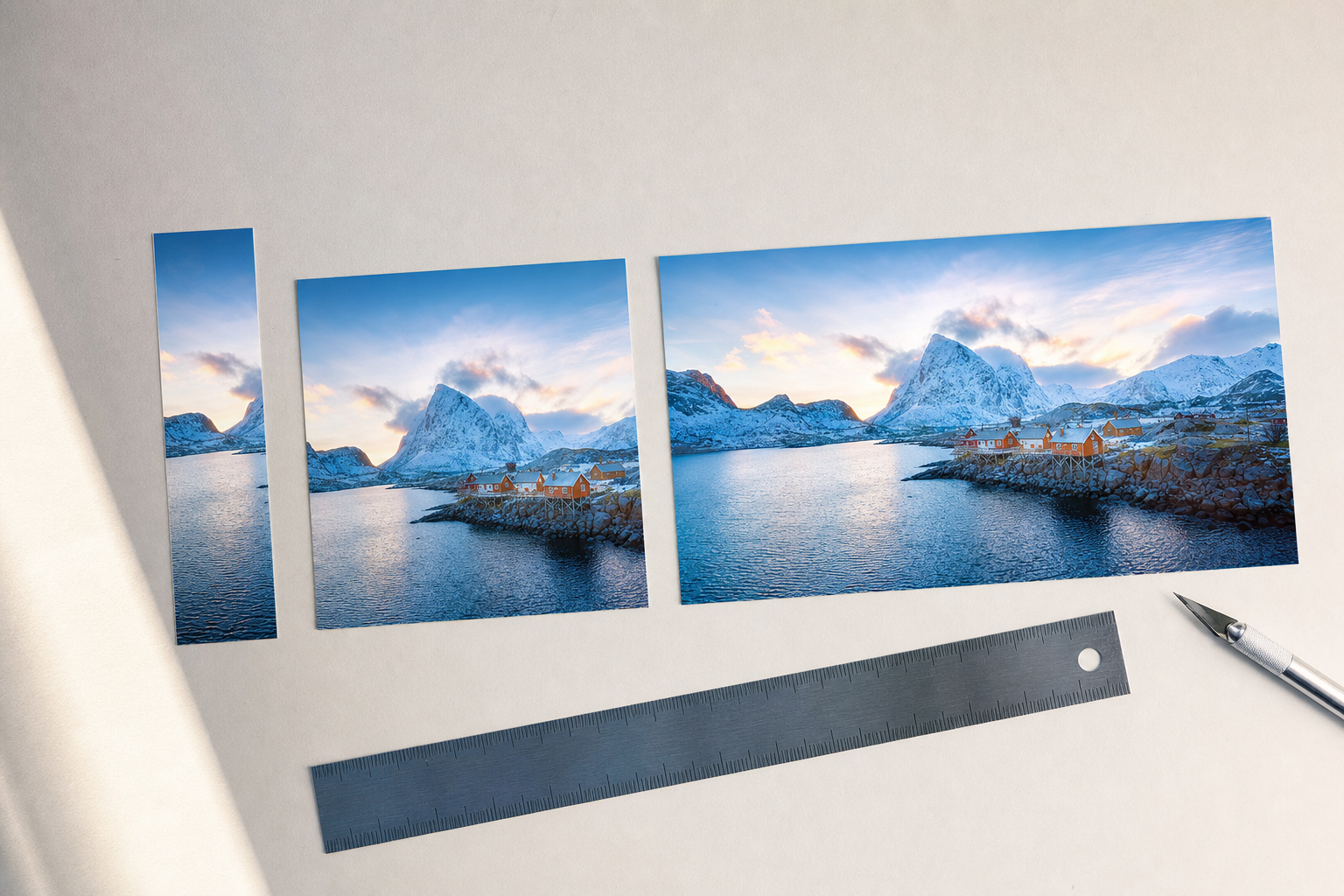
If you run a brand solo, "post everywhere" is a daily tax on your time. You make one piece of content, then spend an hour reformatting it — cropping for a feed here, rewriting the caption there, exporting a vertical version for one app and a square for another. So when a tool promises to publish to every platform in one click, it sounds like the whole chore just disappears.
Sometimes it does. Often it doesn't — because "publish everywhere" quietly means "dump the exact same file and caption to every account." That version saves you clicks but costs you reach, because a 16:9 video pillar-boxed into a Reel, or a Twitter-length caption on YouTube, reads as lazy to both the algorithm and the audience. This guide defines what true one-click publish across all platforms actually requires, how to spot the fake versions, and how to set it up so the shortcut doesn't quietly wreck your results.
Key takeaways
- "Publish everywhere" only helps if each platform gets media and a caption formatted for it — not one file cloned five times.
- The most common trap is aspect ratio: a single video shape can't look native on a feed, a Reel, a Short, and a landscape player at once.
- Captions, hashtags, and links behave differently per platform; a single caption is always a compromise somewhere.
- Real cross-posting means one source, many correct outputs — created once, adapted per channel.
- On most platforms, true zero-touch auto-publishing is limited by API rules, so expect an approval or review step, especially on Instagram and TikTok.
What people actually mean by "one-click publish all platforms"
There are two very different products hiding under the same phrase, and the gap between them is where creators get burned.
The first is a broadcast: you upload one asset and one caption, and the tool fires the identical package at every connected account. The second is a fan-out: you start from one idea, and the tool produces the correct version for each platform — right aspect ratio, right caption length, right hashtag behavior — then queues them together. Both take roughly one click from you. Only one of them respects how each platform works.
- Broadcast (the fake version): same file, same caption, same everything — fast, but native on at most one platform.
- Fan-out (the real version): one source adapted into platform-correct outputs before it goes live.
- The tell: ask whether you can edit the caption and media per platform before publishing. If you can't, it's a broadcast.
The four things that must be per-platform-correct
"Correct" isn't about perfection — it's about not sending signals that mark your post as recycled. Four elements do most of the damage when they're wrong.
1. Aspect ratio and media format
This is the biggest one. Vertical 9:16 wins on Reels, TikTok, and Shorts; landscape 16:9 is home on the YouTube player; square or 4:5 holds its own in an Instagram or Facebook feed. Dump one shape everywhere and you get black bars, awkward crops, or a subject that's half cut off. A true publish-everywhere flow renders the shapes each destination expects.
- 9:16 vertical: TikTok, Instagram Reels, YouTube Shorts, Facebook Reels.
- 4:5 or 1:1: Instagram and Facebook in-feed image or video posts.
- 16:9 landscape: standard YouTube uploads.
- Carousels: Instagram and Facebook support multi-image swipes; most other feeds don't, so that content needs a different treatment.
2. Captions and copy length
A caption that lands on Instagram often flops as a YouTube description or a TikTok overlay. Line breaks, emoji density, and where you put the hook all shift by platform. One caption pasted everywhere is, by definition, tuned for none of them.
- Front-load the hook where the preview truncates early (Instagram, Facebook).
- Keep TikTok captions short and punchy; the video does the talking.
- Use YouTube descriptions for context, keywords, and links — they're read, not skimmed.
- Rewrite, don't just trim — a good per-platform caption reads like it was born there.
3. Hashtags, mentions, and links
Each platform treats these differently. Instagram tolerates a stack of hashtags; on other feeds the same block looks like noise. Links in captions are clickable in some places and dead text in others. A real cross-post flow lets you adjust these instead of forcing one set everywhere.
4. Timing and native features
The best time to post rarely matches across five platforms, and features like covers, thumbnails, and first comments are platform-specific. Publishing all at once, at one moment, with no cover or thumbnail control, throws away easy wins.
The traps hiding inside fake "publish everywhere"
If a tool markets one-click posting to all platforms but doesn't let you shape each output, watch for these failure modes. They're subtle because the post technically goes out — it just underperforms in ways that are hard to trace back to the cause.
- Letterboxing: a landscape video jammed into a vertical slot with thick black bars top and bottom.
- Cropped subjects: a square design auto-cut for 9:16, chopping off the important part.
- Wrong-length copy: a caption written for one platform that reads as spam or as an empty afterthought on another.
- Dead links: a clickable link in one place rendered as plain, unclickable text elsewhere.
- Duplicate-content vibes: identical everything across accounts, which reads as effort-free to audiences following you in more than one place.
- Overclaimed automation: a promise of instant live posting that quietly still needs a manual approval step behind the scenes.
How true publish-everywhere actually works
The workflow that saves time without hurting reach follows one principle: create once, adapt per channel, then queue together. You keep the single-idea speed while each platform still gets something that looks intentional.
This is the model VibeDay is built around. You generate a piece of content — an AI video for social media or a carousel — then produce platform-correct versions and captions from that one source, and schedule them across Instagram, TikTok, Facebook, and YouTube in one pass. It's the difference between a shortcut that helps and one that just moves the mess downstream. If you're comparing options, our take on what a real cross-poster should do lives in this Buffer alternative breakdown.
- Start from one source asset and one core message.
- Generate the right media shapes for each destination automatically.
- Adapt each caption to the platform instead of cloning one.
- Review everything in a single queue before it goes out.
- Publish or schedule across all connected accounts together.
Set your captions up to survive every platform
Even with correct media, the caption is where cross-posting most often reads as generic. The fix is a strong, platform-aware hook and copy that sounds like you rather than like a template filled in by a machine.
Before you queue a batch, pressure-test the opening line — run it through the free Scroll-Stopper Score to see if it earns the scroll on a fast feed. And if your AI-written captions come out flat or interchangeable, teach it your tone with Make AI Sound Like You so the fan-out versions still carry your voice.
- Write the hook first; adapt it to each platform's preview length.
- Keep your voice consistent even as the format changes.
- Test the opener before it ships, not after it flops.
- Save winning caption patterns so the next batch starts strong.
What "one click" can and can't mean (the honest version)
Here's the part most marketing pages skip: platform rules limit how automatic publishing can be. Some networks require an approval or review step through their official APIs, so fully hands-off, instant live posting isn't guaranteed everywhere. That's not a flaw in your tool — it's the platforms protecting their ecosystems.
- Scheduling and queuing: reliably one-click across platforms.
- Media adaptation and caption drafting: can be automated from one source.
- Going live: often approval-gated, especially on Instagram and TikTok, so build in a review step.
- Bottom line: expect "prepare everything in one pass, confirm publish" rather than magic instant blast.
| Aspect | Fake "publish everywhere" | True publish-everywhere |
|---|---|---|
| Media | Same file cloned | Correct shape per platform |
| Captions | One caption pasted | Adapted per platform |
| Result | Native on ~1 app | Looks intentional everywhere |
| Your effort | One click, more cleanup | One pass, review, done |
Isn't posting the same thing everywhere fine if I'm short on time?
It's fine for a day you're slammed, but it caps your reach. The same video can't look native as a Reel, a Short, and a feed post at once, and identical captions read as recycled to anyone following you in more than one place. A create-once, adapt-per-channel flow gives you the same speed without that penalty.
Can any tool truly auto-publish to every platform with zero touches?
Not reliably. Several platforms require an approval or review step through their official APIs, so expect to confirm publishing rather than have it fire completely unattended. Be skeptical of any product promising fully hands-off instant posting everywhere.
What's the single most important thing to get right per platform?
Aspect ratio and media format. A wrong-shaped video with black bars or a cropped subject is the most visible sign of a lazy cross-post, and it's the fastest way to look like you didn't make the content for that audience.
Do I really need different captions for each platform?
You need at least an adapted hook and appropriate length. You don't have to rewrite from scratch every time, but a caption tuned for one platform's preview and hashtag behavior will underperform when pasted somewhere else.
Create one piece of content, get platform-correct versions and captions for Instagram, TikTok, Facebook, and YouTube, and schedule them in a single pass — the way publish-everywhere should actually work.
Try VibeDay free →Put your content engine on autopilot
VibeDay turns one idea into scroll-stopping posts — image, video, and carousel — captioned for every platform.
Start your free 7-day trial →