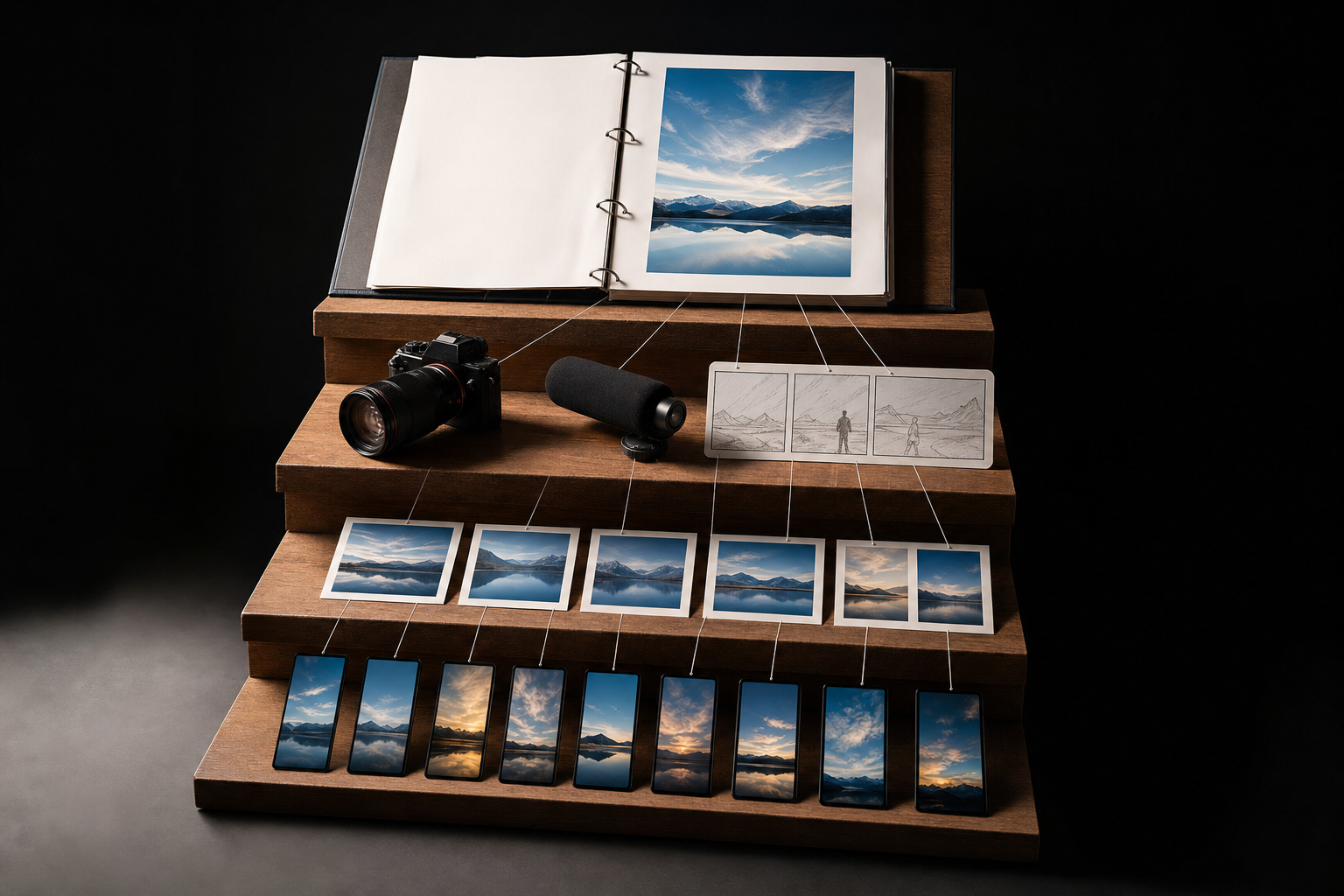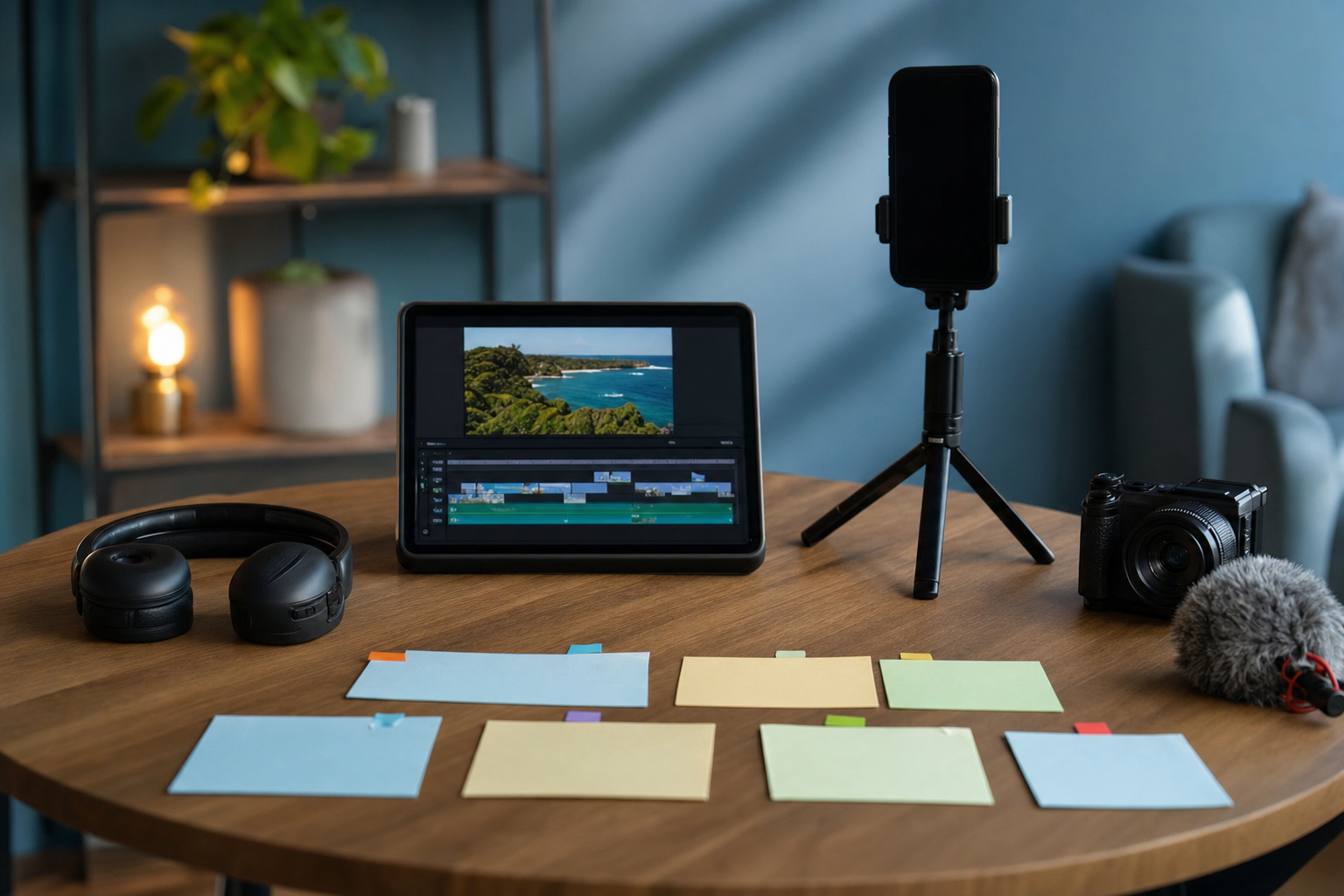
One useful webinar can cover your TikTok calendar for a week. The trick is not chopping it into random fragments—it is turning individual insights into complete, searchable videos. Use these seven tips to repurpose a webinar into TikTok videos that make sense even when viewers never saw the original session.
1. Search the transcript for real audience questions
Start with the webinar transcript, not the video timeline. Highlight questions your audience might type into TikTok search, especially phrases beginning with “how to,” “why does,” “what is,” or “best way to.” Keep the wording specific to the problem you solve. Each strong question can become one clip, so collect at least seven before editing anything.
- Direct questions from the live Q&A
- Problems repeated by attendees
- Definitions you explained clearly
- Objections that came up more than once
- Step-by-step sections with a practical outcome
2. Give each clip one question and one payoff
A webinar section may contain context, examples, caveats, and several takeaways. A TikTok needs a tighter job. Choose one question, answer it directly, and end once the viewer has the promised takeaway. If a clip requires two minutes of backstory before it becomes useful, remove the setup or record a short replacement introduction.
3. Replace webinar openings with TikTok hooks
Webinar language such as “as we discussed earlier” or “moving on to the next slide” makes a clip feel recycled. Cut that material and open with the viewer’s problem, a clear outcome, or the search question itself. Try “Here’s how to price your first service package” instead of “The next thing I want to cover is pricing.” Before publishing, run the opening through the free Scroll-Stopper Score to spot vague or slow hooks.
4. Build the week around seven different clip formats
Do not post seven clips that all feel like shortened lecture segments. Pull different types of value from the same recording so the week has variety while staying focused on one topic.
- Monday: Answer a high-intent “how to” question.
- Tuesday: Share a common mistake and its fix.
- Wednesday: Extract a three-step process.
- Thursday: Challenge a misconception from the webinar.
- Friday: Show an example, demonstration, or before-and-after.
- Saturday: Answer a useful audience question.
- Sunday: Summarize the week with a checklist or next step.
5. Edit for a vertical, mobile-first screen
Reframe the footage vertically, keeping the speaker or demonstration central and leaving breathing room for TikTok’s interface. Remove long pauses, housekeeping, slide transitions, and repeated points. Add accurate captions for people watching without sound, and break dense explanations into short, readable caption lines. If a slide is essential, rebuild its key idea for a phone screen rather than shrinking a full webinar deck into the frame.
VibeDay can help solo founders turn source material into social-ready video content and organize it for publishing. Its AI video tools for social media are useful when you want to speed up repurposing without manually rebuilding every clip.
6. Reinforce one search phrase naturally
Choose one main search phrase for each clip. Say it naturally near the beginning, show a concise version on screen, and use it in a plain-language caption. This gives TikTok clearer context, but it does not guarantee distribution or search placement. Avoid stuffing the caption with keyword variations or unrelated trending hashtags; a few accurate terms are more useful than a crowded block of generic tags.
- Spoken topic: “Here’s how to validate a product idea before building it.”
- On-screen title: “How to validate a product idea”
- Caption: “A simple product-validation process for solo founders.”
- Hashtags: Use only a few that accurately describe the topic or audience.
7. Batch the clips, then adjust from performance
Edit and schedule the full week in one batch, but treat the plan as flexible. After publishing, compare watch time, completion, saves, comments, and profile activity inside the analytics available to you. Look for patterns rather than judging one isolated post. If mistake-focused clips consistently hold attention better than broad tips, extract more mistake-and-fix moments from the webinar or use that format in your next recording.
Turn your next long recording into a practical week of social content with VibeDay—then review and approve your posts before they go live.
Start repurposing with VibeDay →Put your content engine on autopilot
VibeDay turns one idea into scroll-stopping posts — image, video, and carousel — captioned for every platform.
Start your free 7-day trial →