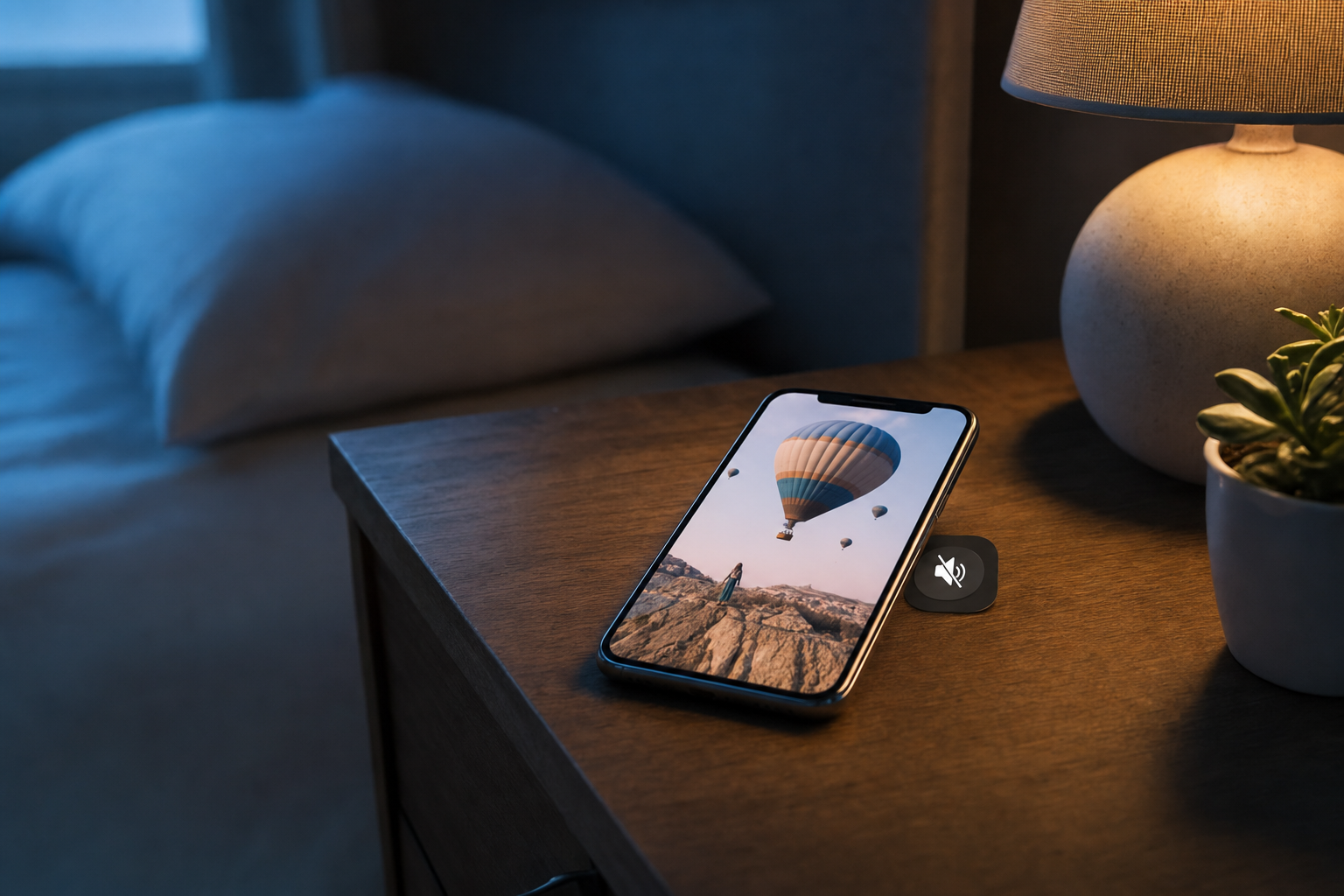
If you're a solo founder or small brand posting to Instagram, TikTok, or YouTube, here's an uncomfortable truth: most of the people scrolling past your video will never turn the sound on. They're on the train, in a waiting room, lying in bed next to a sleeping partner, or half-watching between messages. If your video only makes sense with audio, you've already lost them — and the algorithm reads that early drop-off as a signal to stop showing your work to anyone else. This guide is for creators who want their captions to do the heavy lifting: keeping sound-off viewers watching, understanding, and acting. You'll learn why burned-in captions matter, how to phrase them for muted viewers, and a repeatable workflow you can use on every post.
Key takeaways
- A large share of social video is watched with the sound off, so your on-screen text has to carry the meaning on its own.
- Burned-in captions (baked into the video) are more reliable than platform auto-captions you can't fully control.
- The first line of text is a hook, not a title — it decides whether someone stays.
- Short, punchy, high-contrast text beats dense subtitles for retention.
- Captions and spoken audio should reinforce each other, not compete.
- A simple, repeatable captioning workflow saves hours and keeps your style consistent.
Why sound-off viewing quietly kills your reach
Reach on modern platforms is earned in the first few seconds. When a viewer lands on your video with the sound off and sees nothing on screen that explains what's happening, they swipe. That swipe happens fast — often before your intro even finishes. Each early exit tells the recommendation system that your content didn't hold attention, and the platform responds by throttling how many new people it shows you.
The fix isn't louder audio or a flashier intro. It's designing for the default state most people watch in: muted. When your video communicates fully without sound, you stop leaking viewers in those critical opening seconds, retention climbs, and the algorithm has a reason to push you to a wider audience.
- Muted viewers can't hear your hook, so an audio-only opener wastes your best moment.
- No on-screen context = instant swipe, which hurts your average watch time.
- Low watch time signals 'not engaging' and limits distribution.
- Captions turn passive, silent scrolling into readable, followable content.
- Accessibility matters too — captions serve viewers who are deaf or hard of hearing.
Burned-in captions vs. auto-captions: what to actually use
There are two broad options: platform auto-captions (the ones apps generate or that a viewer toggles on) and burned-in captions you bake directly into the video frame. Auto-captions are convenient but you don't fully control their timing, styling, placement, or whether they're even switched on. Burned-in captions are part of the video itself, so they look the same everywhere and appear whether or not the viewer opts in.
For most solo founders, burned-in captions are the safer default because they guarantee your message lands the same way on every platform and device. The tradeoff is you need to keep them clean, well-placed, and out of the way of platform UI elements like the caption/comment buttons.
- Use burned-in captions for hooks and key phrases you never want a viewer to miss.
- Keep text in the safe zone — away from the bottom bar and right-side action buttons.
- Match caption styling to your brand so clips look consistent across accounts.
- Don't rely solely on auto-captions for the message; treat them as a bonus, not the plan.
- Always proofread machine-generated text for names, jargon, and product terms.
How to write video captions for engagement
Writing captions for muted viewers is a different craft than writing a script. You're not transcribing speech word-for-word — you're translating your point into text that's instantly scannable. The goal is comprehension at a glance. That means shorter lines, plain language, and a rhythm that keeps the eye moving down the screen.
Lead with your strongest idea. The first line of on-screen text is a hook, not a label. 'My morning routine' is a title; 'I cut my posting time in half — here's the one change' is a hook. Phrase your opener as a promise, a tension, or a surprising claim the viewer wants resolved.
- Open with a hook line that creates curiosity or promises a payoff — not a generic title.
- Keep each on-screen line short: aim for a few words the eye can grab in one beat.
- Write in your speaking voice; contractions and plain words read faster than formal phrasing.
- Front-load the point of each sentence so meaning lands even if they only skim.
- Use line breaks and timing to pace the reveal — one idea on screen at a time.
- End with a clear next step: follow, comment, or watch the next clip.
Once you've drafted that opening line, pressure-test it before you commit. Run it through the free Scroll-Stopper Score to see how strong your hook reads on its own, then rewrite anything that feels flat.
Design choices that make captions readable in a split second
Great caption copy still fails if it's hard to read. Muted viewers are usually moving fast, in bright or dim environments, on small screens. Your captions need enough contrast and size to be legible without effort. Think billboard, not paragraph.
- Use high contrast — light text with a subtle shadow or background plate over busy footage.
- Keep font size large enough to read on a phone held at arm's length.
- Limit yourself to one or two lines on screen at a time to avoid a wall of text.
- Place captions in the vertical center-ish zone, clear of platform buttons and edges.
- Pick one clean, legible typeface and stick with it for brand consistency.
- Sync text changes to your pacing so reading feels natural, not rushed.
Make captions and audio reinforce each other
Sound-off is the default, but plenty of people do listen — so captions and audio should work as a team. The mistake is making them identical and monotonous, or making them contradict each other. Use captions to emphasize the key phrases, and let the audio add tone, energy, and detail the text doesn't need to spell out.
- Highlight the punchline or key number in text; let the voice carry the color around it.
- Don't caption every filler word — capture the meaning, not the exact transcript.
- Use text to signal structure ('Step 1', 'The mistake', 'The fix') for skimmers.
- Keep the emotional beats in sync so a listener and a muted viewer get the same story.
- If your voice makes a joke, make sure the on-screen version still lands without sound.
If your captions keep coming out sounding stiff or generic — not like how you actually talk — it's worth teaching your tools your real voice. You can do that with Make AI Sound Like You so your on-screen copy reads like you and not like a template.
A repeatable captioning workflow for every post
Consistency beats occasional brilliance. Build a simple checklist so every clip ships with captions that pull their weight, without you reinventing the process each time. The point is speed and repeatability — especially when you're a team of one juggling multiple platforms.
- Draft the hook line first and test it before filming or editing anything.
- Generate or write captions, then trim them into short, scannable lines.
- Proofread for names, product terms, and numbers the machine may mangle.
- Apply your brand's font, size, and placement style consistently.
- Preview on an actual phone with the sound off to catch legibility issues.
- Schedule the post and note which hook style you used so you can compare performance later.
Tools like VibeDay help you create captioned clips and carousels, schedule them, and then review performance across Instagram, TikTok, Facebook, and YouTube — so you can see which caption styles actually earn reach. Publishing stays approval-gated, so you review each post before it goes out. See how it fits your stack on the features page.
Do burned-in captions hurt reach because they cover the video?
Not if they're placed well. Keep captions in the central safe zone, away from the bottom bar and the right-side action buttons. Well-placed, legible captions almost always help retention more than a slightly cleaner frame would.
Should I caption every single word I say?
No. Word-for-word transcripts often become a wall of text that's hard to skim. Capture the meaning, emphasize key phrases, and keep one or two short lines on screen at a time. Full transcripts are better left to optional auto-captions.
Are platform auto-captions enough on their own?
They're a helpful bonus, but you can't fully control their styling, timing, or whether a viewer turns them on. For hooks and key messages, use burned-in captions so the point lands the same way for everyone.
How long should my opening caption line be?
Short enough to read in a single glance — usually a handful of words. It should work as a hook that promises a payoff or creates curiosity, not as a title that just names the topic.
What if my captions sound robotic or generic?
That usually means they're written in a neutral 'template' voice rather than yours. Draft in your own speaking style, use contractions, and consider training your tools on samples of how you actually talk so the copy sounds like you.
Want captioned clips and carousels that read for the sound-off majority — created, scheduled, and measured in one place? VibeDay helps solo founders and small brands ship consistent, muted-friendly video across every platform, with you approving each post before it publishes.
Try VibeDay free →Put your content engine on autopilot
VibeDay turns one idea into scroll-stopping posts — image, video, and carousel — captioned for every platform.
Start your free 7-day trial →