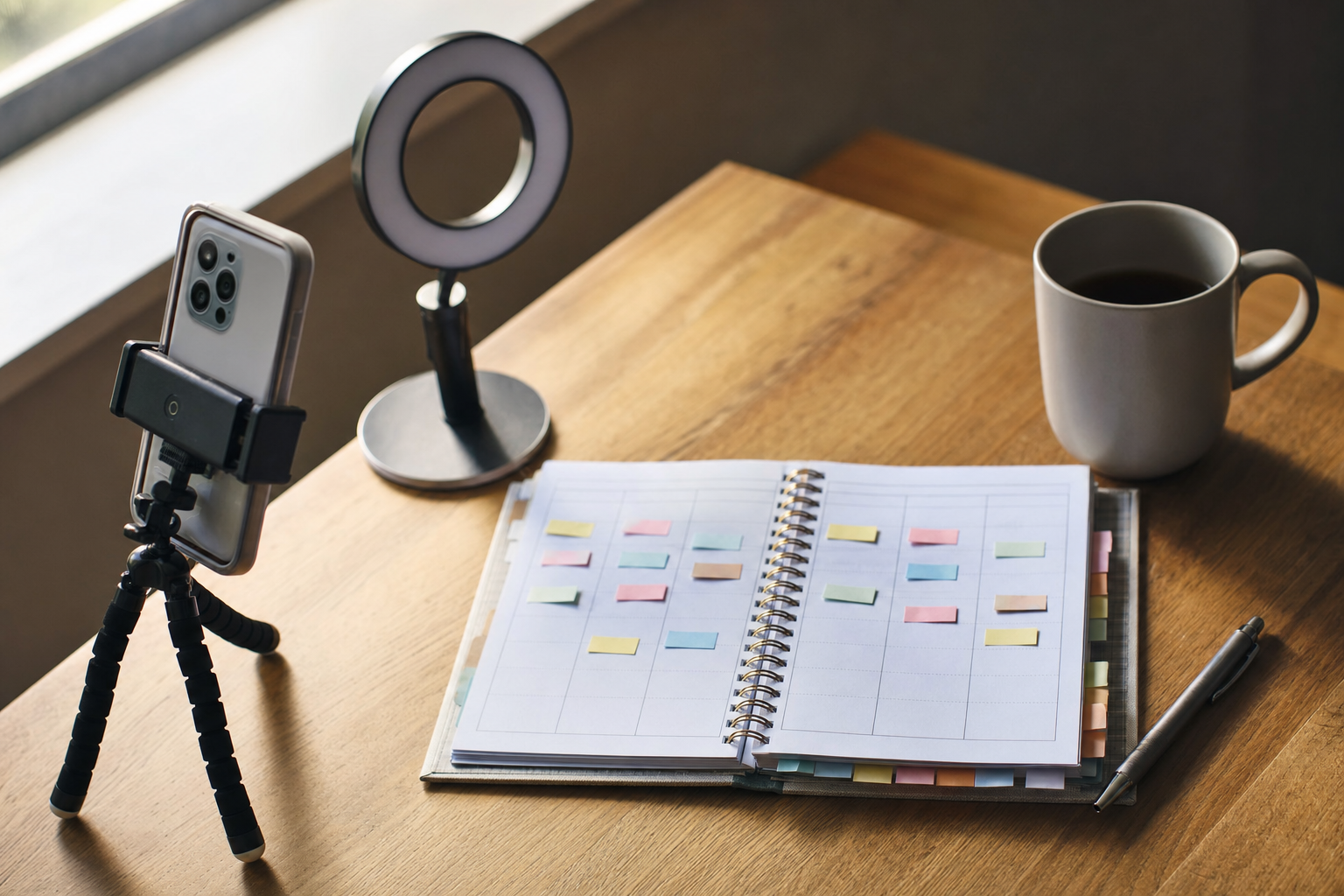
You recorded one solid long-form video — a podcast episode, a webinar, a talking-head explainer, maybe a livestream. Now you're staring at 40 minutes of footage and a blank content calendar for the week. The instinct is to sit down and manually clip highlights, re-caption each one, and post them whenever you remember. That works, but it eats your afternoon and usually fizzles out by Wednesday.
There's a better mental model: treat the long video as a source file and the week as a distribution plan. One recording can realistically feed five to seven short clips, and those clips can be staggered across days instead of dumped all at once. The real question isn't whether to repurpose — it's how much of the pipeline you want to do by hand versus hand off to a tool. Below we frame the choice honestly, compare the common approaches, and give a clear recommendation.
The choice you're actually making
Turning long-form video into scheduled shorts breaks into three jobs: (1) clipping and reframing the footage into vertical shorts, (2) writing hooks and captions for each clip, and (3) spacing those clips across a posting schedule on each platform. Different setups handle those jobs differently. Here's how the main options stack up.
| Approach | Clipping & captions | Scheduling | Best for |
|---|---|---|---|
| Fully manual (editor + native schedulers) | You do everything by hand | Post natively or use each app's built-in scheduler | People who want total control and have time |
| Dedicated clipping tool (e.g. Opus Clip) | Auto-detects highlights, adds captions | Limited or none — usually export then schedule elsewhere | High-volume clip production |
| Scheduler-first tool (e.g. Buffer, Later) | Little to no video editing | Strong multi-platform scheduling | Teams already editing clips somewhere else |
| VibeDay | Create shorts, carousels, and captions in one place | Plan a staggered calendar; publishing is approval-gated | Solo founders wanting create + schedule together |
None of these is 'best' in the abstract — they optimize for different bottlenecks. Below, the honest trade-offs.
Option 1: Do it all manually
You pull the long video into an editor, cut the moments that land, reframe to 9:16, burn in captions, then post each short natively or through the platform's own scheduler.
The upside is control. You choose exactly which 20 seconds go out, you know the caption reads in your voice, and native posting sometimes gets a small reach benefit. The downside is obvious: it's slow, and it's the first thing to fall off your plate on a busy week. Manual work also makes staggering harder — if scheduling means remembering to open five apps across five days, most people end up batch-posting everything on Monday and going quiet.
- Pro: full creative control and native posting
- Pro: no subscription cost beyond your editor
- Con: time-intensive, hard to sustain weekly
- Con: staggering relies on your memory, not a system
Option 2: A dedicated clipping tool
Tools built specifically for long-to-short — Opus Clip is the well-known example — analyze your video, find likely highlight moments, reframe them vertically, and auto-add captions. If your bottleneck is 'I have hours of footage and no time to cut,' these are genuinely strong.
The honest trade-off is that clipping tools mostly stop at the clip. You typically export the finished shorts and then schedule them somewhere else, which reintroduces the very step you were trying to simplify. Auto-detected highlights are also a starting point, not gospel — you'll still review picks and rewrite some hooks, because the moment an algorithm flags isn't always the moment your audience cares about.
- Pro: fast, high-volume clip generation from one video
- Pro: solid auto-captions and reframing
- Con: scheduling usually lives in a separate tool
- Con: highlight picks and hooks still need a human pass
Option 3: A scheduler-first tool
Buffer, Later, and similar tools are built around the calendar. Their strength is spacing content across Instagram, TikTok, Facebook, and YouTube, previewing the feed, and keeping a consistent cadence. If your clips already exist, dropping seven of them into a week is exactly what these do well.
The gap is creation. A scheduler-first tool won't turn your 40-minute recording into shorts — you bring finished video to it. So you're back to pairing it with an editor or a clipping tool. That's a perfectly reasonable stack; it's just two subscriptions and two logins instead of one. If you're weighing the scheduling layer specifically, we compared the landscape in our Buffer alternative breakdown.
- Pro: reliable multi-platform scheduling and calendar view
- Pro: strong for consistency and cadence
- Con: no video creation — you supply finished clips
- Con: means running a second tool for the editing half
Option 4: Create and schedule in one place (VibeDay)
VibeDay is built to close the gap between making shorts and getting them on a calendar. You can create the short clips, carousels, and captions, then plan them across a staggered week for Instagram, TikTok, Facebook, and YouTube — without exporting to a separate scheduler. The idea is one workflow: source video in, a week of spaced-out posts out.
Be clear-eyed about the trade-off, though. Platform publishing is approval-gated — VibeDay helps you build and schedule the plan, but the final push to each network goes through the platforms' own approval flow rather than a magic one-click live post. That's true across compliant tools, and we'd rather be honest than overclaim. VibeDay also leans toward solo founders and small brands, so if you need enterprise team roles and deep analytics suites, weigh that. For the creation side, our AI video for social media page shows how the short-form pipeline works.
When you're writing the hook for each clip, don't guess whether the opening line lands — run it through the free Scroll-Stopper Score and tighten it before it goes on the calendar.
- Pro: create shorts and captions, then schedule, in one tool
- Pro: staggering a week is built into the workflow
- Con: publishing is approval-gated, not instant one-click
- Con: aimed at solo/small brands, not large enterprise teams
A simple week-long pipeline
Whatever tool you land on, the repeatable process looks the same:
- Watch the long video once and mark 5–7 standout moments.
- Cut each moment into a vertical short (15–45 seconds usually travels best).
- Write a distinct hook and caption per clip — don't reuse one caption seven times.
- Assign each clip to a different day so the week fills itself out.
- Space posts across platforms rather than firing all at once.
- Check performance after a few days and re-cut the long video for winners.
Key takeaways
- Treat one long video as a source file for a whole week, not a single post.
- If your bottleneck is clipping, a dedicated tool like Opus Clip earns its place.
- If your bottleneck is cadence, a scheduler-first tool keeps you consistent — but you still supply the clips.
- For solo founders who want create + schedule in one flow, VibeDay is the strongest fit — just remember publishing is approval-gated, not instant.
- Whatever you choose, stagger the clips across days and write a fresh hook for each.
How many shorts can I realistically get from one long video?
Most talking-heavy long-form videos yield five to seven usable shorts. Podcasts and webinars can give more; a tightly edited explainer may give fewer. Aim for quality moments over hitting a number.
Should I post all the shorts on the same day?
No. Staggering them across the week gives each clip its own moment in the feed and keeps your account consistently active, which platforms tend to reward more than a single burst.
Can VibeDay publish the shorts automatically once scheduled?
VibeDay lets you create and schedule the posts, but publishing to each network is approval-gated through the platforms' own flows. It removes the busywork of building and spacing the plan without overpromising instant live posting.
Do I need both a clipping tool and a scheduler?
Only if you keep them separate. A dedicated clipper plus a scheduler is a valid stack, but it means two tools and two logins. An all-in-one like VibeDay handles creation and scheduling in the same place.
Ready to turn one recording into a full week of scheduled shorts without juggling five tools?
Start with VibeDay →Put your content engine on autopilot
VibeDay turns one idea into scroll-stopping posts — image, video, and carousel — captioned for every platform.
Start your free 7-day trial →